Is this safe to use with my applications?
Yes, Automatic Key Clicker sends standard keyboard input that any application can receive. It does not inject malicious code or modify system files. Check the source code to verify exactly what it does.
Can I schedule automation for later?
The tool runs when you launch it. You define the key pattern and let it execute until you manually stop it.
Will it work in games?
It sends real keyboard input, so many games will respond to it. However, some games block automation tools—test with your specific game first.
How do I uninstall it?
Simply delete the application file. There is no installer or system modifications to clean up.
Can I adjust the speed of key presses?
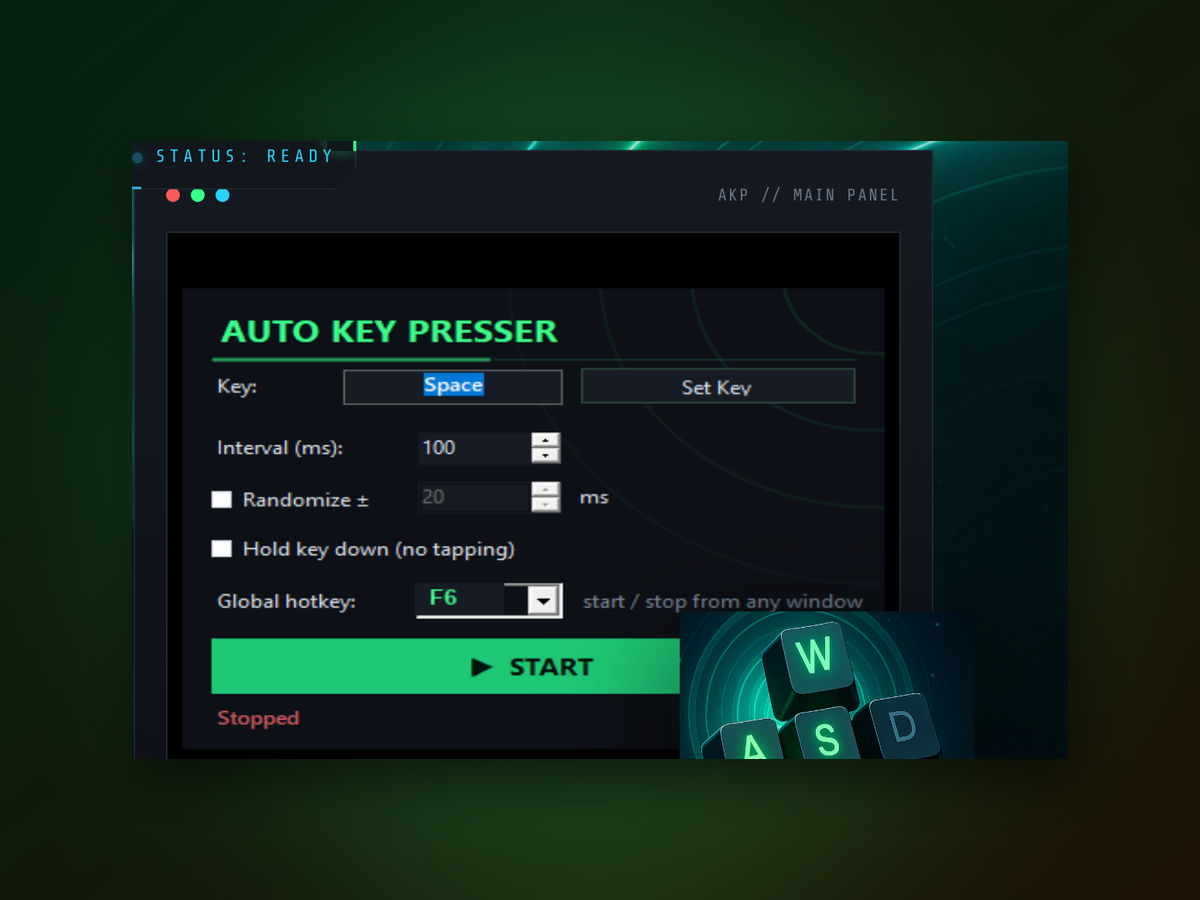
Yes, you configure the interval between each key press before you start the automation.
Does it need administrator access?
It may request elevated permissions depending on which applications you are targeting. Run it as administrator if you encounter access issues.
Is there a limit to how long it can run?
No time limits—it will continue pressing keys for as long as you leave it active.